

-
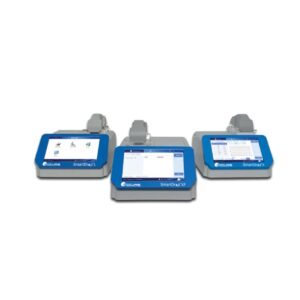
SmartDrop Nano Spectrophotometers
-
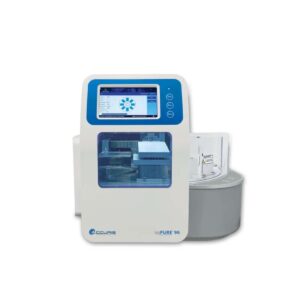
IsoPure™ 96
-
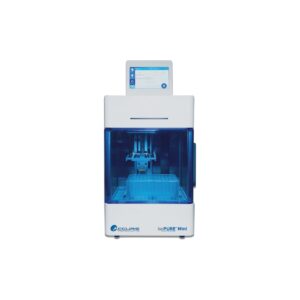
IsoPure™ Mini
-
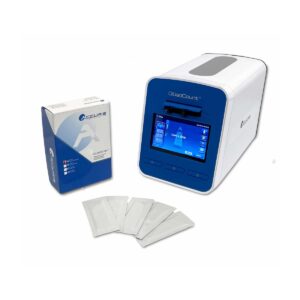
QuadCount™ Automated Cell Counter
-
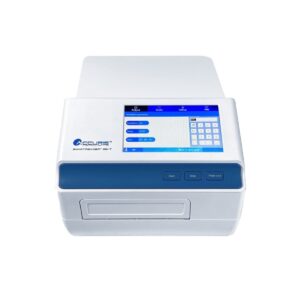
SmartReader 96, Microplate Absorbance Reader
-
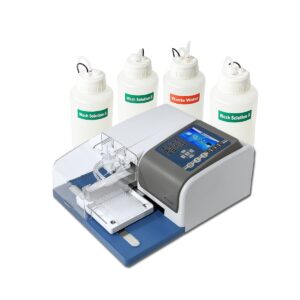
SmartWasher 96 Microplate Washer
-
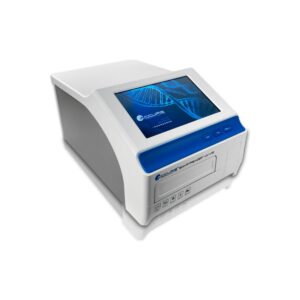
SmartReader UV-Vis
-
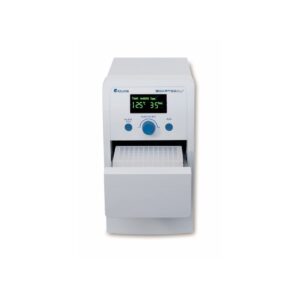
SmartSeal™ Semi-Automated Microplate Sealer MS1000
-
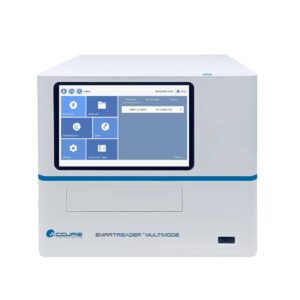
SmartReader Multimode
-
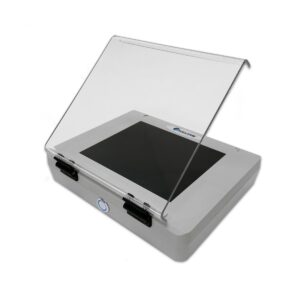
UV Transilluminators
-
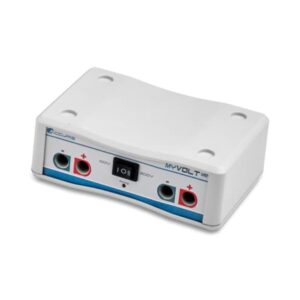
MyVolt Mini Power Supply
-
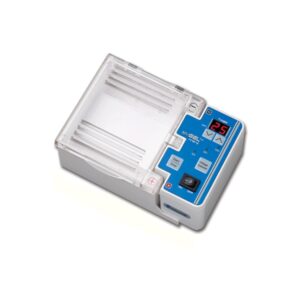
MyGel Mini Electrophoresis System
-
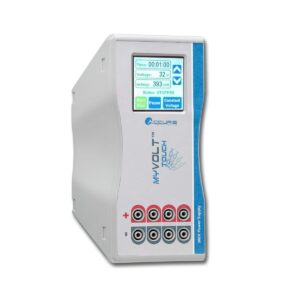
MyVolt Touch Power Supply
-
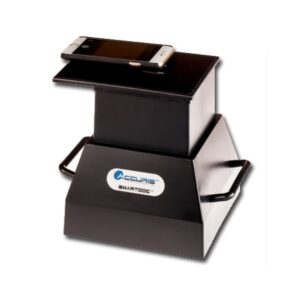
SmartDoc Imaging Enclosure
-
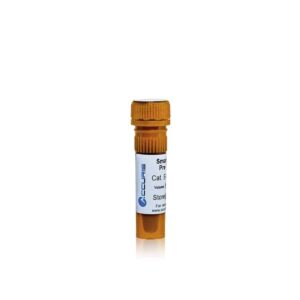
SmartGlow DNA Stains
-
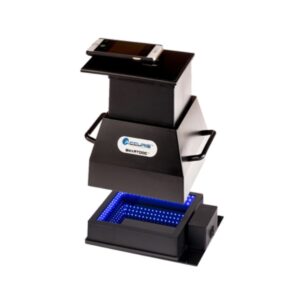
SmartDoc Imaging System
-
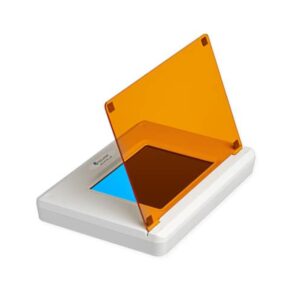
SmartBlue™ Blue Light Transilluminators
-
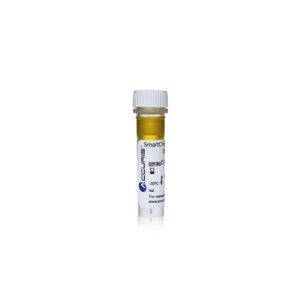
SmartCheck DNA Ladders
-
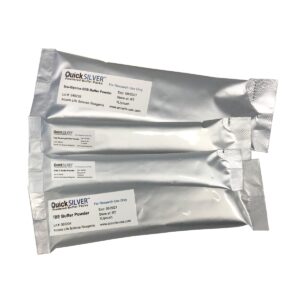
QuickSilver Powdered Buffer Packs
-
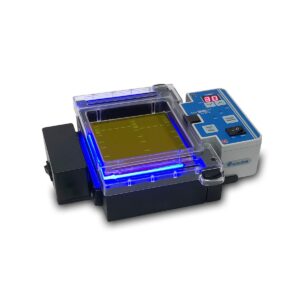
MyGel InstaView Systems
-
SmartCheck Protein Markers
-
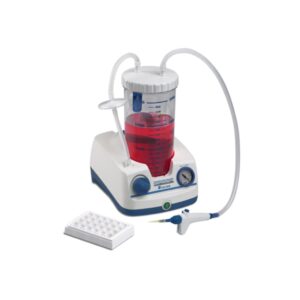
Aspire Laboratory Aspirator
-
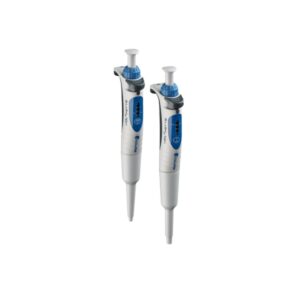
NextPette Precision Pipettes
-
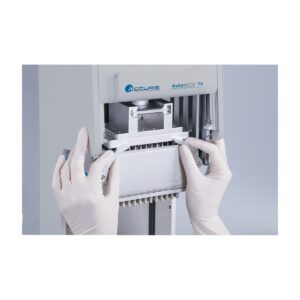
AutoMATE 96 Microplate Pipetting Workstation
-
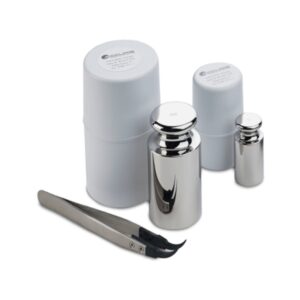
Calibration Weights
-
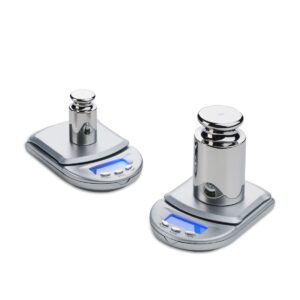
Mini Lab Balance Series
-
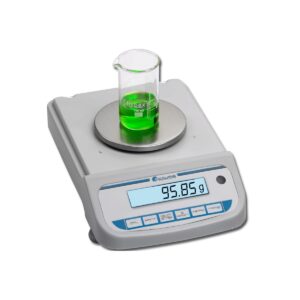
Compact Balance Series
-
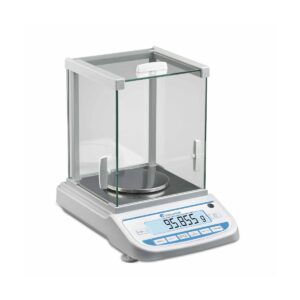
Precision Balance Series
-
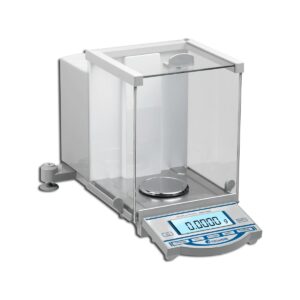
Analytical Balance Series
-
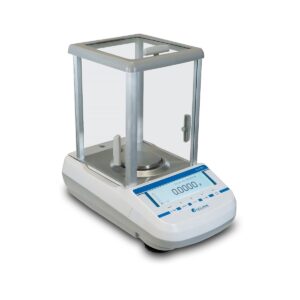
Series Dx Analytical Balances
-
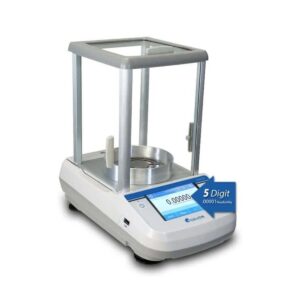
Series Tx Analytical and Semi Micro Balances
-
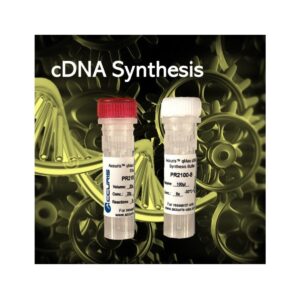
qMAX™ cDNA Synthesis Kits
-
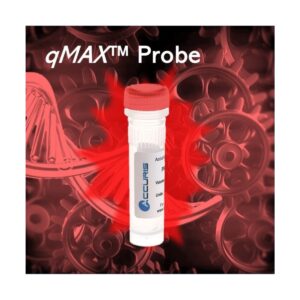
qMAX™ Probe qPCR Mix
-
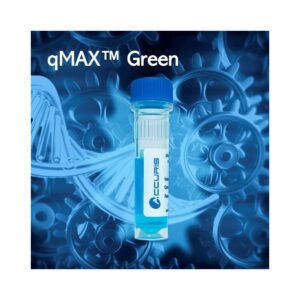
qMAX™ Green qPCR Mix With Blue Tracking Dye
-
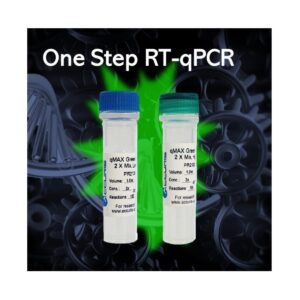
Accuris qMAX One-Step RT-qPCR kits
-

Accuris™ Mammalian Genotyping Kit
-
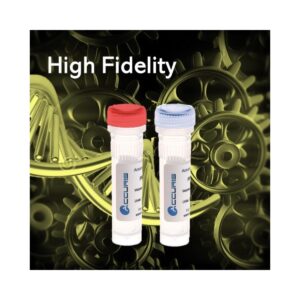
Accuris™ High Fidelity PCR
-

Accuris™ Hot Start Taq
-
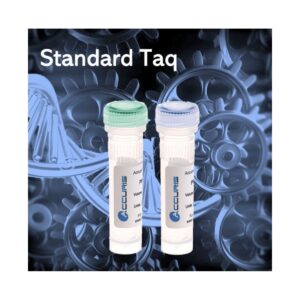
Accuris ™ Taq
-
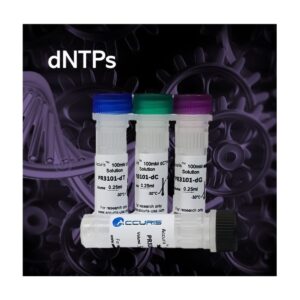
Accuris dNTPs
-
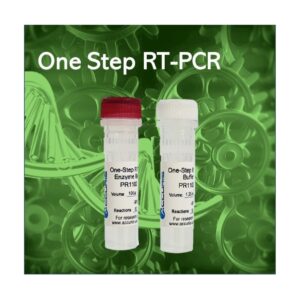
Accuris One-Step RT-PCR kit
-

Accuris Life Science Reagents Catalog
-
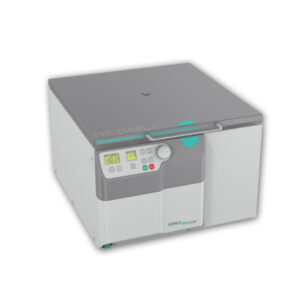
OLEUM
-
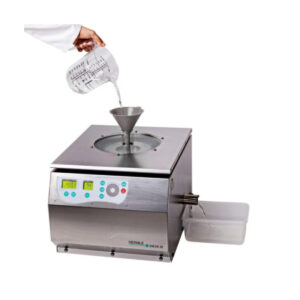
SIEVA-3
-
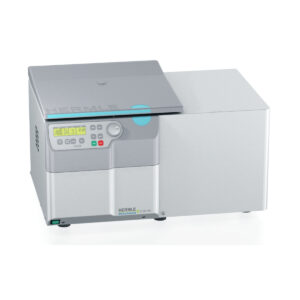
Z36 HK
-
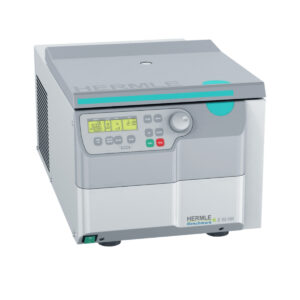
Z32 HK
-
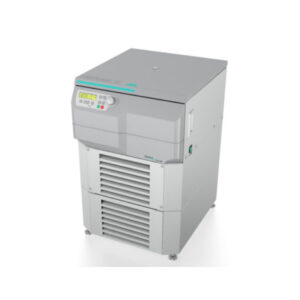
Z496-K
-
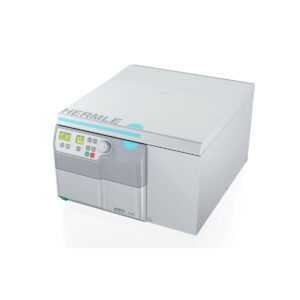
Z446 Series
-
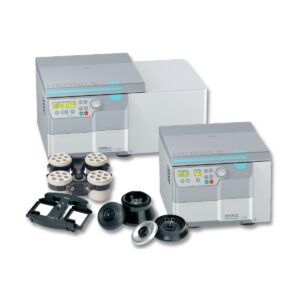
Z366 Series
-
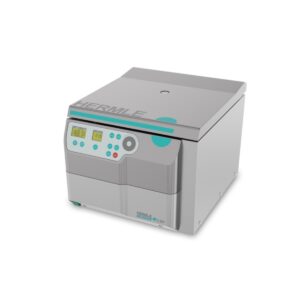
NEW! Z327 Series
-
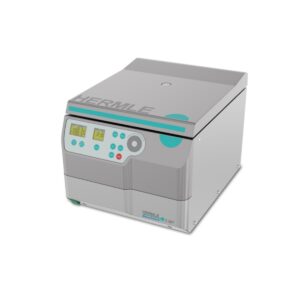
NEW! Z307
-
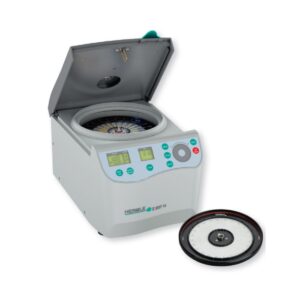
Z207-H
-
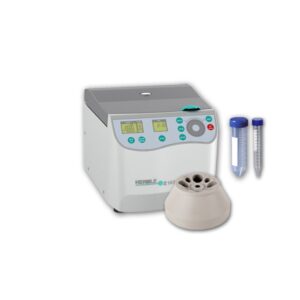
Z207-A-CMB
-
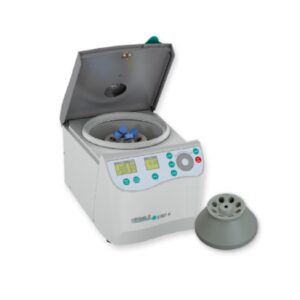
Z207-A
-
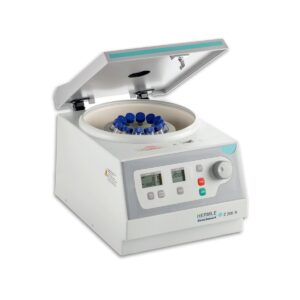
Z206-A
-
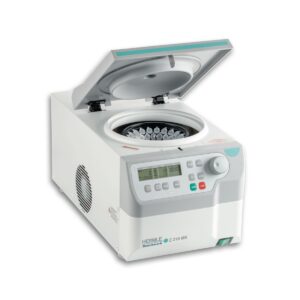
Z216-MK Refrigerated Microcentrifuge
-
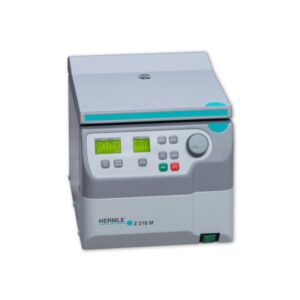
Z216-M Microcentrifuge
-
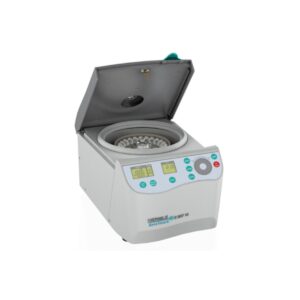
Z207-M
-
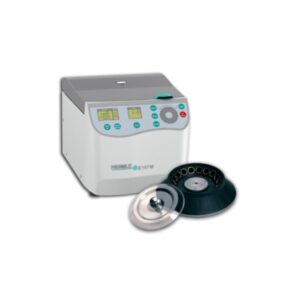
Z167-M
-
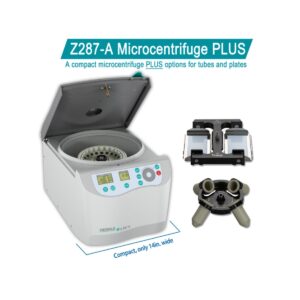
Z287-A Microcentrifuge PLUS
-
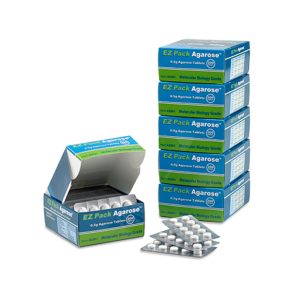
EZ PACK™ AGAROSE TABLETS
-
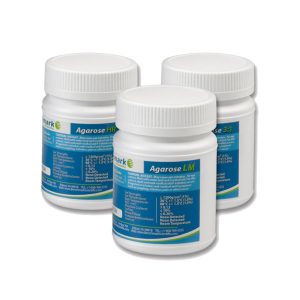
BENCHMARK AGAROSE LM (LOW MELT) 100G
-
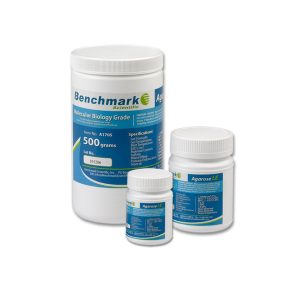
BENCHMARK AGAROSE LE
-
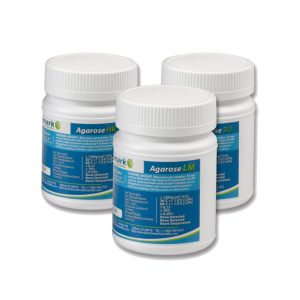
BENCHMARK AGAROSE HR (HIGH RESOLUTION – PCR GRADE) 100G
-
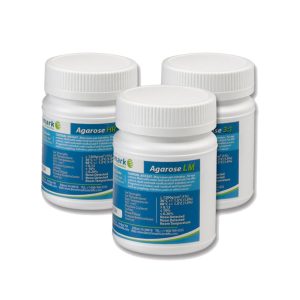
BENCHMARK AGAROSE 31 100G
-
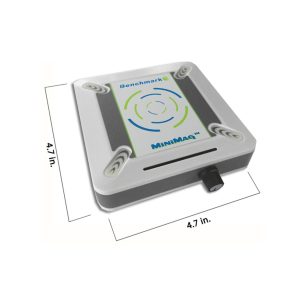
MINIMAG™ MAGNETIC STIRRER
-
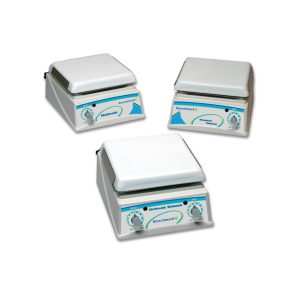
HOTPLATE AND STIRRERS
-
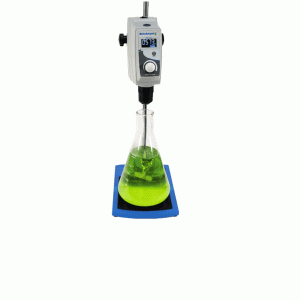
BENCHMARK™ OVERHEAD STIRRERS
-
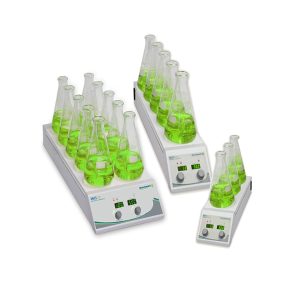
BENCHMARK™ INDUSTRIAL MULTI-POSITION HOTPLATE STIRRERS
-
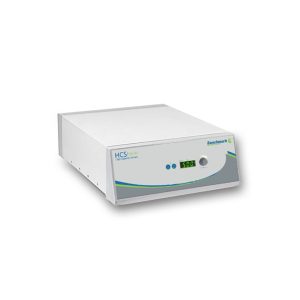
BENCHMARK™ INDUSTRIAL HIGH-CAPACITY STIRRERS
-
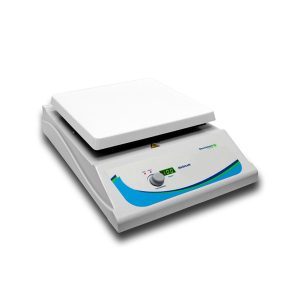
10X10 DIGITAL HOTPLATE STIRRERS
-
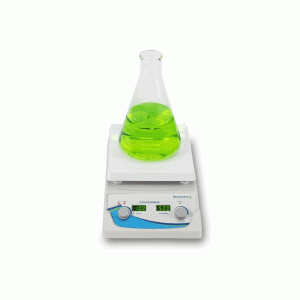
7X7 DIGITAL HOTPLATE STIRRERS
-
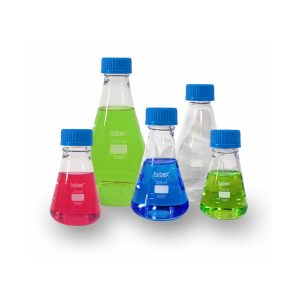
HYBEX™ ERLENMEYER FLASKS WITH GL45 CAP
-
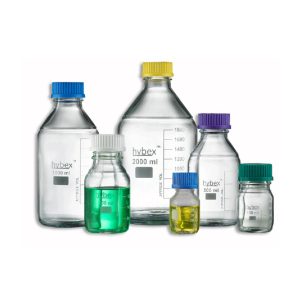
HYBEX™ MEDIA STORAGE BOTTLES (GL45)
-
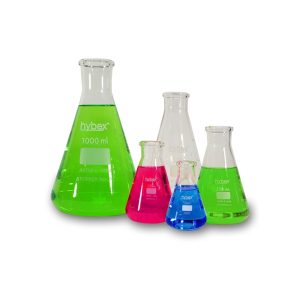
HYBEX™ ERLENMEYER FLASKS
-
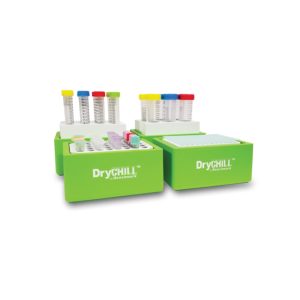
DRYCHILL™ ICE-FREE COOLING BLOCKS
-

COOLCUBE™ MICROTUBE AND PCR PLATE COOLER
-
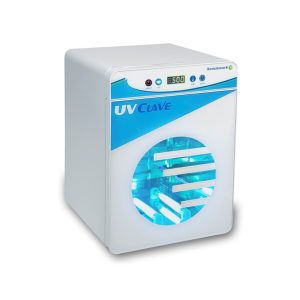
UV CLAVE™ ULTRAVIOLET CHAMBER FOR RESEARCH USE ONLY
-
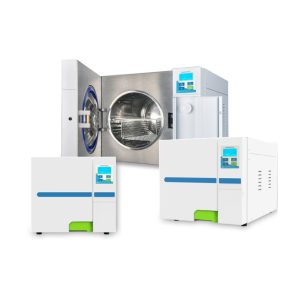
BIOCLAVE™ RESEARCH AUTOCLAVES
-
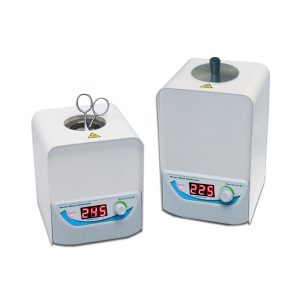
BENCHMARK MICRO BEAD RESEARCH STERILIZERS, WITH GLASS BEADS
-
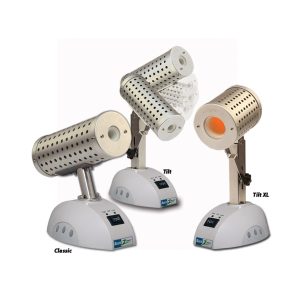
BACTIZAPPER™ TILT, MICROSTERILIZERS WITH ADJUSTABLE TILT ANGLE
-
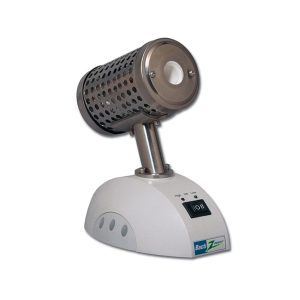
BACTIZAPPER™ RESEARCH MICROSTERILIZER CLASSIC
-
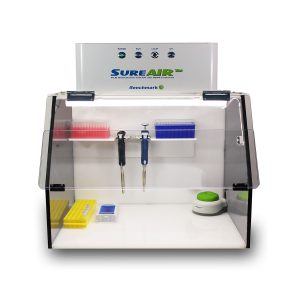
BENCHMARK SUREAIR™ PCR WORKSTATION
-
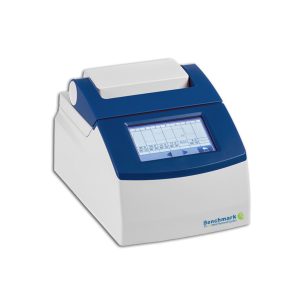
TC-32 MINI THERMAL CYCLER
-
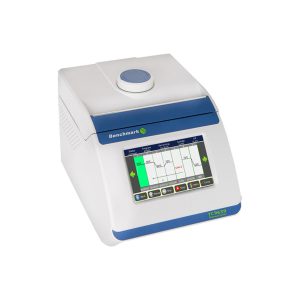
BENCHMARK TC 9639 GRADIENT THERMAL CYCLER
-
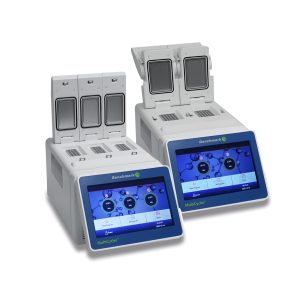
MULTICYCLER MULTI-BLOCK THERMAL CYCLER
-
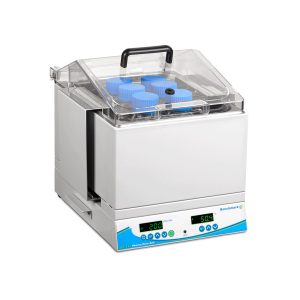
SB-12L SHAKING WATER BATH WITH UNIVERSAL SPRING PLATFORM FOR TUBES, BOTTLES, AND FLASKS
-
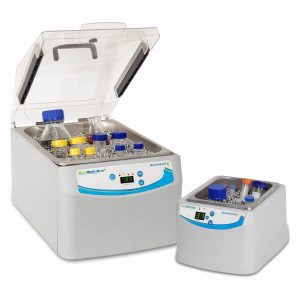
BEADBATH DUO™
-
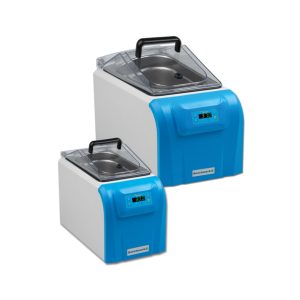
MYBATH SERIES DIGTAL WATER BATHS
-
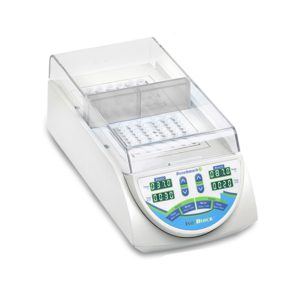
ISOBLOCK™ DIGITAL DRY BATH, WITHOUT BLOCKS
-
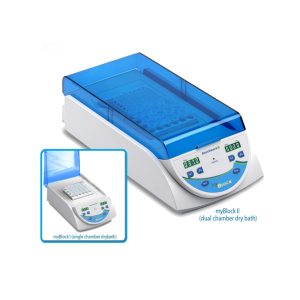
MYBLOCK SERIES DRY BATHS
-
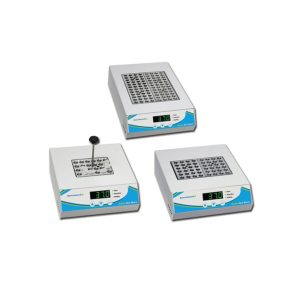
BENCHMARK TRADITIONAL DRY BATHS
-
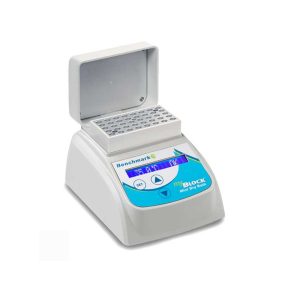
MYBLOCK™ HL MINI DRY BATH WITH HEATED LID
-
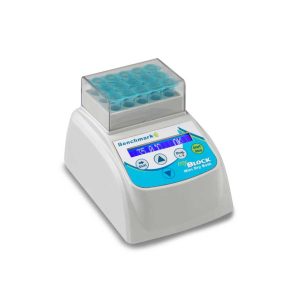
MYBLOCK MINI DIGITAL DRY BATH SERIES
-
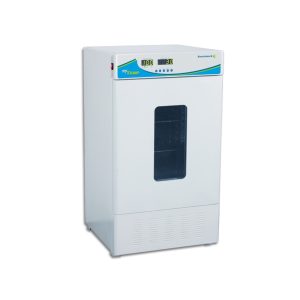
MYTEMP™ 65 HEATING AND COOLING INCUBATOR, INCLUDES TWO STAINLESS STEEL SHELVES
-
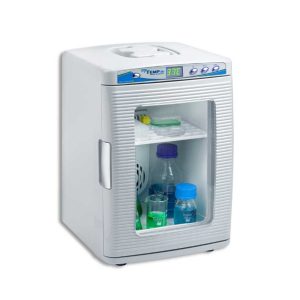
MYTEMP™ MINI DIGITAL INCUBATORS
-
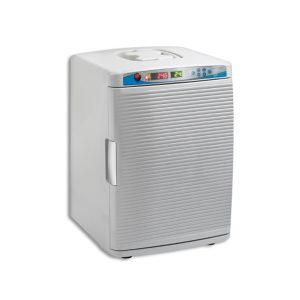
MYTEMP™ CO2 MINI DIGITAL INCUBATOR, INCLUDES 2 STAINLESS STEEL SHELVES
-
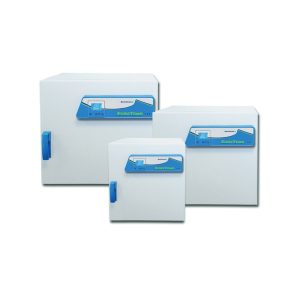
SURETEMP™ DUAL CONVECTION INCUBATORS
-
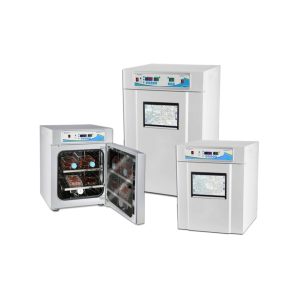
SURETHERM™ CO₂ INCUBATOR SERIES WITH INCUVIEW™ LCI
-
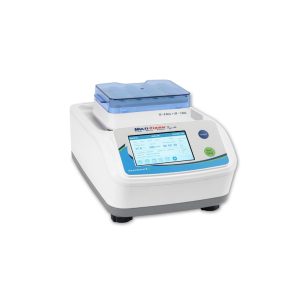
MULTITHERM SHAKER TOUCH
-
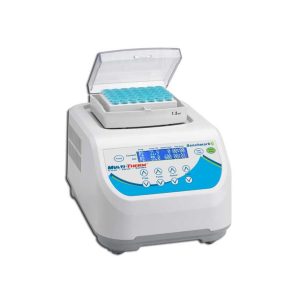
MULTITHERM SHAKER
-
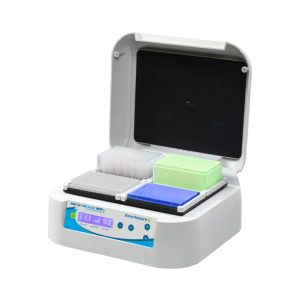
INCU-MIXER™ MP HEATED MICROPLATE VORTEXER SERIES
-
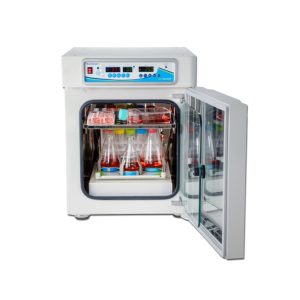
INCU-SHAKER™ CO2 MINI, WITH NON-SLIP RUBBER MAT PLATFORM
-
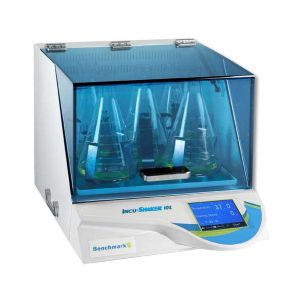
INCU-SHAKER™ 10LR (REFRIGERATED)
-
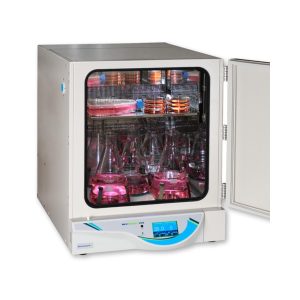
INCU-SHAKER™ 20L WITH NON-SLIP RUBBER MAT
-
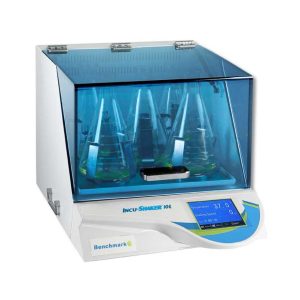
INCU-SHAKER™ 10L WITH NON-SLIP RUBBER MAT
-
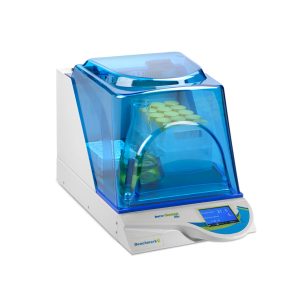
INCU-SHAKER™ MINI WITH NON-SLIP RUBBER MAT
-
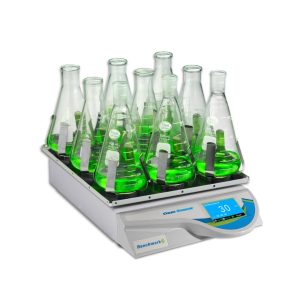
ORBI-SHAKER™ WITH TOUCH SCREEN DISPLAY AND RUBBER MAT PLATFORM (13″X12″)
-
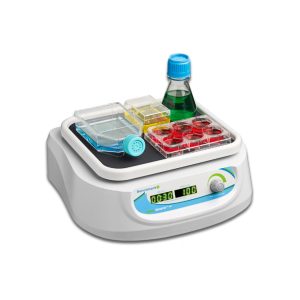
ORBI-SHAKER™JR WITH RUBBER MAT PLATFORM (9.5″X8″), 100-240V (US PLUG)
-
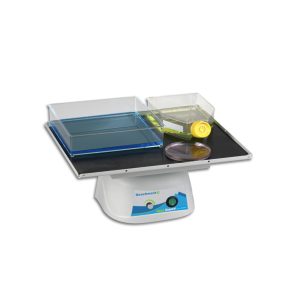
ORBI-BLOTTER™ WITH NON SLIP RUBBER MAT PLATFORM (14X12″)
-
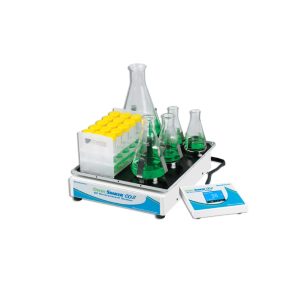
ORBI-SHAKER™ CO2 SHAKERS WITH REMOTE CONTROLLER
-
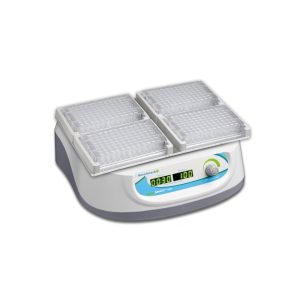
ORBI-SHAKER™ MP MICROPLATE SHAKER WITH 4 POSITION PLATFORM
-
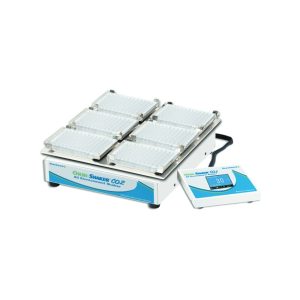
ORBI-SHAKER™ CO2-MP WITH REMOTE CONTROLLER AND MICROPLATE PLATFORM (13X12″)
-
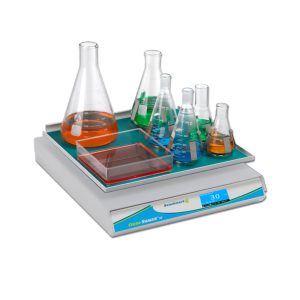
ORBI-SHAKER™ XL WITH TOUCH SCREEN DISPLAY AND RUBBER MAT PLATFORM (18″X18″)
-
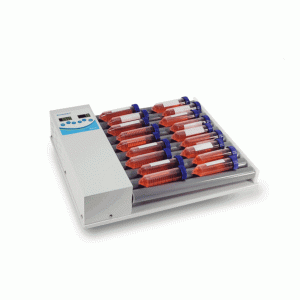
TUBEROLLER ROCKING ROLLERS, 5 AND 10 ROLLER MODELS
-
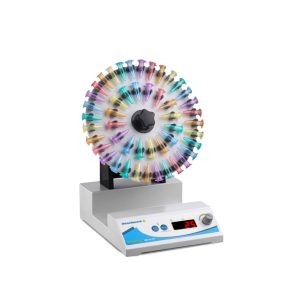
ROTATING MIXER WITH ROTISSERIES FOR 1.5/2.0, 15 AND 50ML TUBES, 115V
-
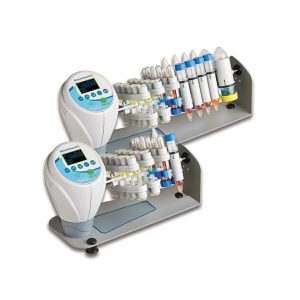
ROTOBOT™ SERIES PROGRAMMABLE ROTATORS, INCLUDES TUBE HOLDERS
-
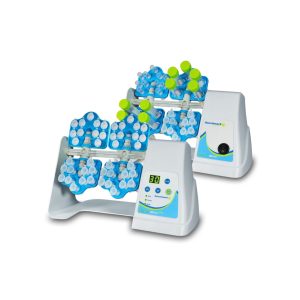
ROTOMINI™ AND ROTOMINI PLUS TUBE ROTATORS
-
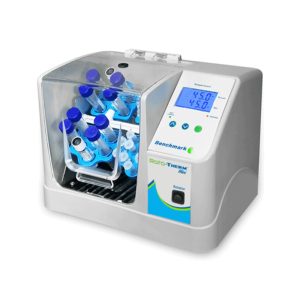
ROTO-THERM™ INCUBATED ROTATOR SERIES
-
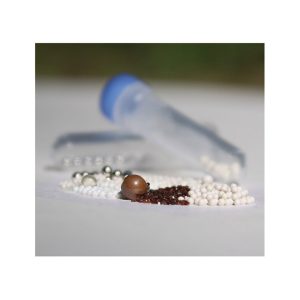
PREFILLED TUBE KITS FOR BEAD HOMOGENIZER
-
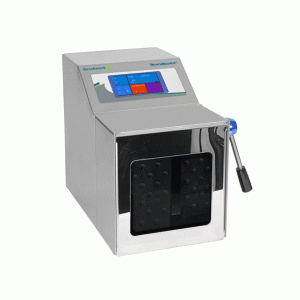
BENCHMASHER™ 400
-
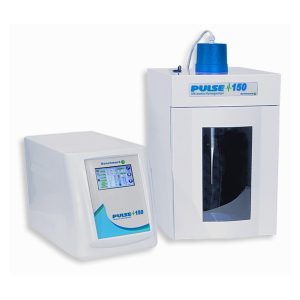
PULSE 150 ULTRASONIC HOMOGENIZER
-
BULK HOMOGENIZER BEADS AND TUBES
-
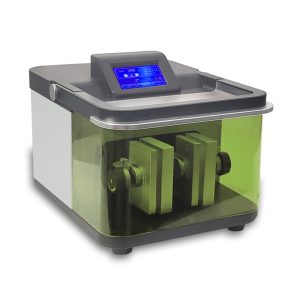
BEADBLASTER™ 96 BALL MILL HOMOGENIZER
-
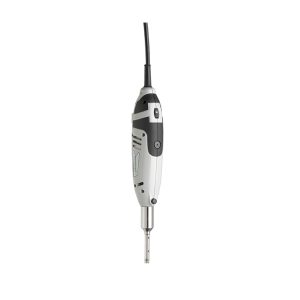
D1000 HOMOGENIZER, INCLUDES 5MM AND 7MM GENERATORS (IDEAL FOR MICROTUBES)
-
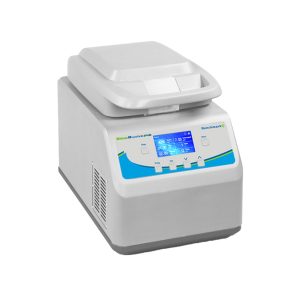
BEADBLASTER 24R REFRIGERATED MICROTUBE HOMOGENIZER, 115V
-
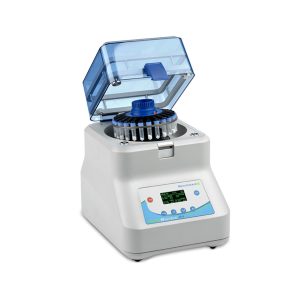
BEADBLASTER 24 MICROTUBE HOGENIZER, 115V
-
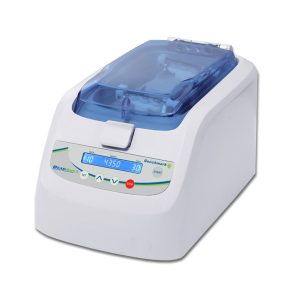
BEADBUG 6, SIX POSITION HOMOGENIZER, 115V
-
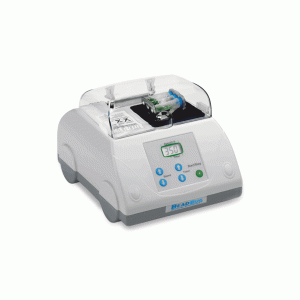
BEADBUG™3 MICROTUBE HOMOGENIZER, 115V
-
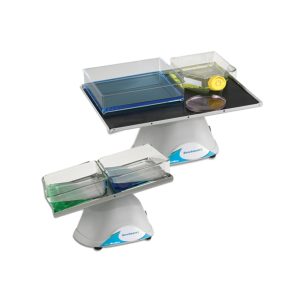
BLOTBOY™ LOW SPEED 3D ROCKERS
-
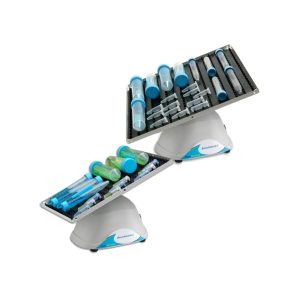
BIOMIXER™ 3D ROCKERS
-
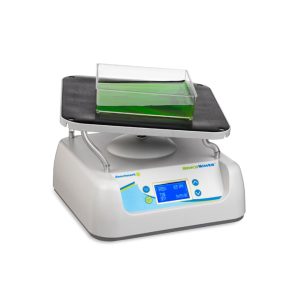
BENCHWAVER™ 3D ROCKER WITH 13.5X13″ FLAT MAT PLATFORM
-
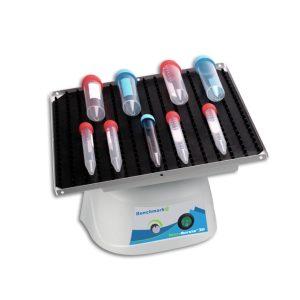
BENCHROCKER™ 3D NUTATING SHAKER WITH VARIABLE SPEED; INCLUDES 12″X12″ PLATFORM WITH 2 MATS
-
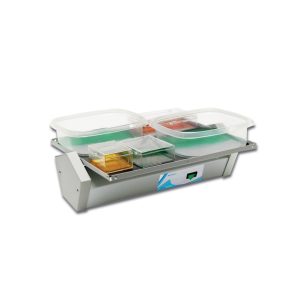
BENCHBLOTTER™ FIXED SPEED PLATFORM ROCKER WITH 12X12″ FLAT MAT PLATFORM
-
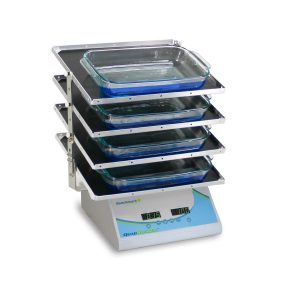
BENCHMARK QUADROCKER™
-
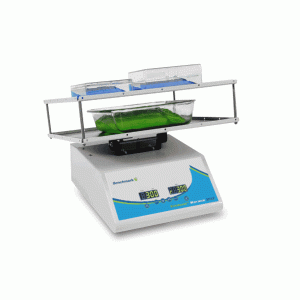
EVERLAST™ ROCKER WITH VARIABLE SPEED AND FLAT MAT
-
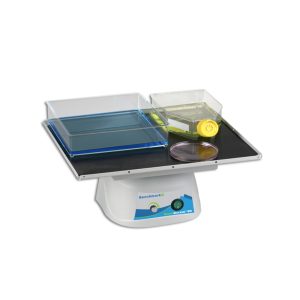
BENCHROCKER™ 2D VARIABLE SPEED ROCKER WITH 14″X12″ FLAT MAT PLATFORM
-
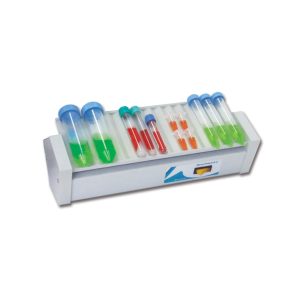
TUBEROCKER
-
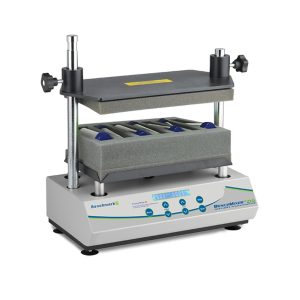
BENCHMIXER XLQ MULT-TUBE VORTEXER FOR QUECHERS
-
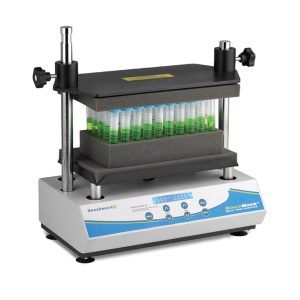
BENCHMIXER™ XL MULTI-TUBE VORTEXER, INCLUDES 50X12MM TUBE RACK
-
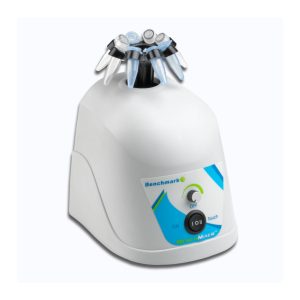
MORTEXER™ VORTEX MIXER
-
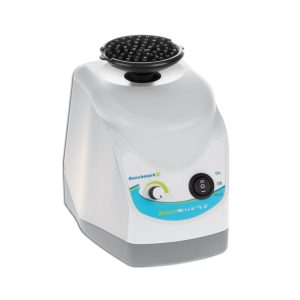
BENCHMIXER V2, VORTEX MIXER WITH FLIP TOP CUP HEAD
-
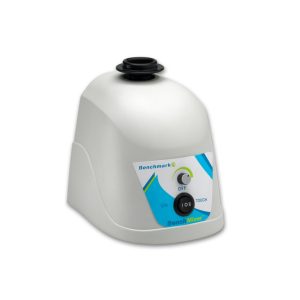
BENCHMIXER™ VORTEXER MIXER
-
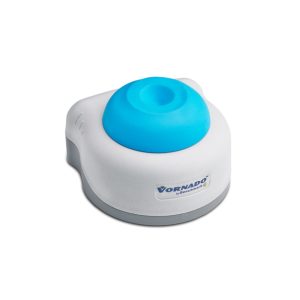
VORNADO™ MINI VORTEX MIXER SERIES
-
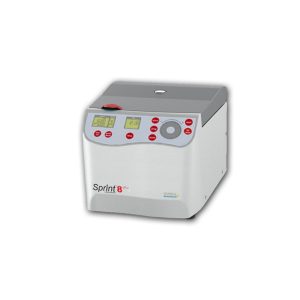
SPRINT™ 8 PLUS CLINICAL CENTRIFUGE, WITH 8 X 15ML FIXED ROTOR
-
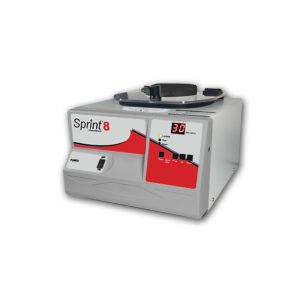
SPRINT™ 8 CLINICAL CENTRIFUGE, WITH 8 X 15ML FIXED ROTOR
-
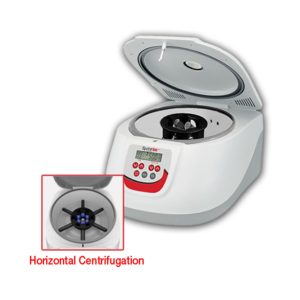
SPRINT™ 6H PLUS CLINICAL CENTRIFUGE, WITH 6 X 15ML SWING OUT ROTOR
-
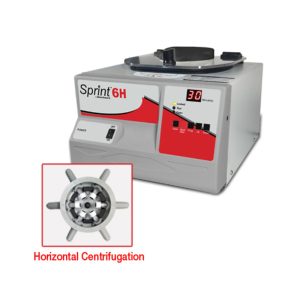
SPRINT™ 6H CLINICAL CENTRIFUGE, WITH 6 X 10ML SWING OUT ROTOR
-
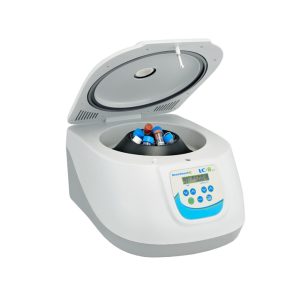
LC-8 LAB CENTRIFUGE WITH 8 X 15ML ROTOR
-
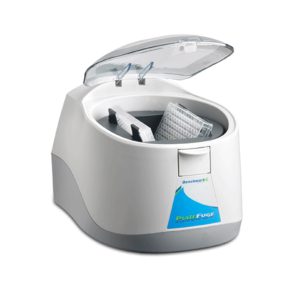
PLATEFUGE™ MICROPLATE MICROCENTRIFUGE WITH ROTOR AND PLATE CARRIERS
-
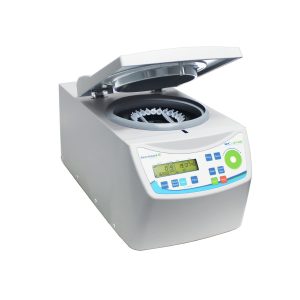
MC-24R™ REFRIGERATED HIGH SPEED MICROCENTRIFUGE
-
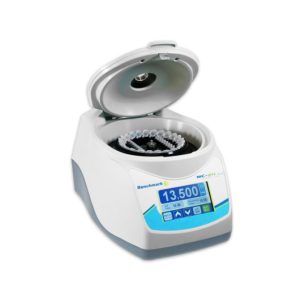
MC-24™ TOUCH HIGH SPEED MICROCENTRIFUGE WITH COMBI-ROTOR
-
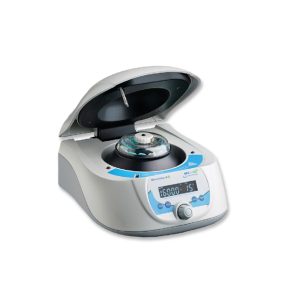
MC-12 MICROCENTRIFUGE WITH 12 PLACE ROTOR
-
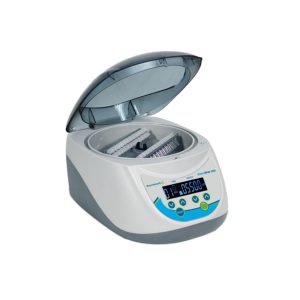
STRIPSPIN™ 12D DIGITAL MINI CENTRIFUGE 100-240V (US PLUG)
-

MYFUGE™ 5D DIGITAL MINI CENTRIFUGE
-
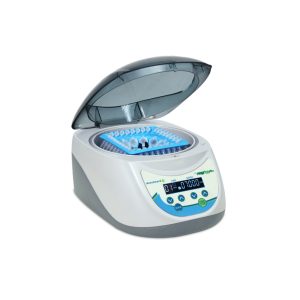
MYFUGE™12 PLUS DIGITAL MINI CENTRIFUGE
-
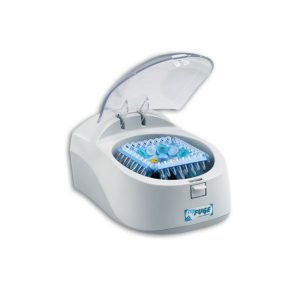
MYFUGE™12 MINI CENTRIFUGE 100-240V (US PLUG)
-
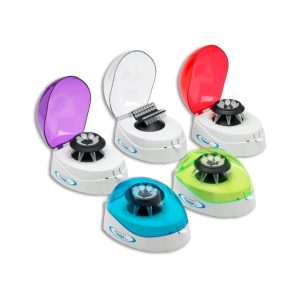
MYFUGE™ MINI CENTRIFUGE WITH 2 ROTORS

-
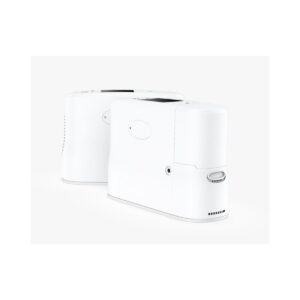
Portable Oxygen Concentrator
-
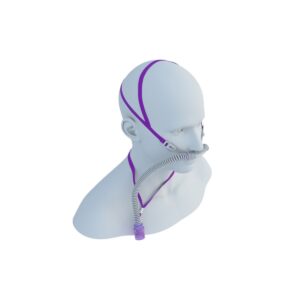
HFOT Cannula
-
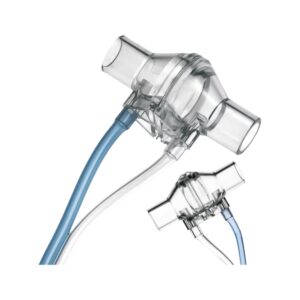
Flow Sensor
-
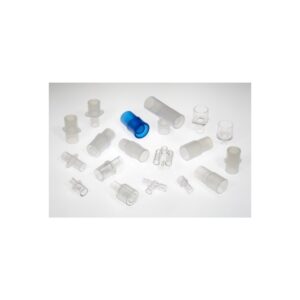
Accessories, Masks and Connectors
-
Gas Sampling Lines Mount
-
Septum Split Circuits with Integrated Water Trap
-
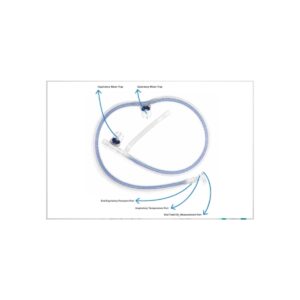
Coaxial Circuits with Integrated Water Trap
-
IPPB Transport Circuits
-
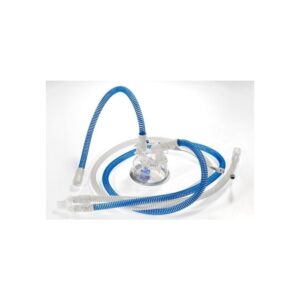
Active Humidification
-
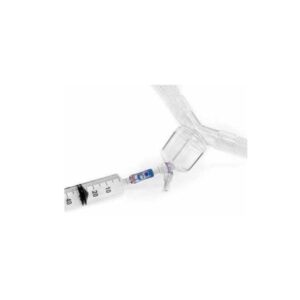
Septum Split Single Tube Circuits
-
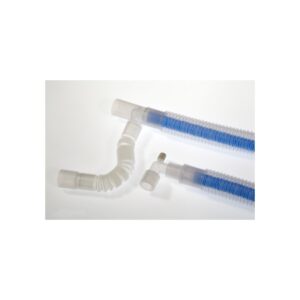
Coaxial Circuits
-

Bacterial Viral Filters
-
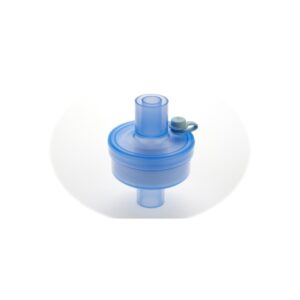
Bacterial Viral HME Filters
-
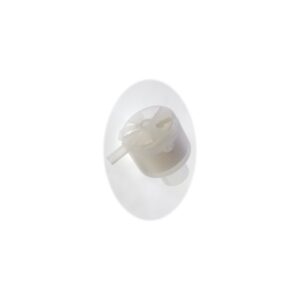
Tracheostomy HME Filters
-
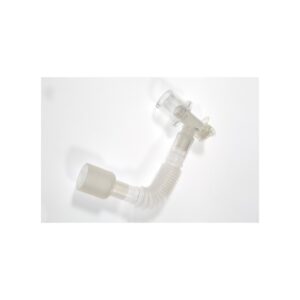
Catheter Mount
-
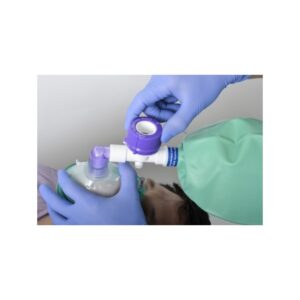
Semi Closed Systems
-
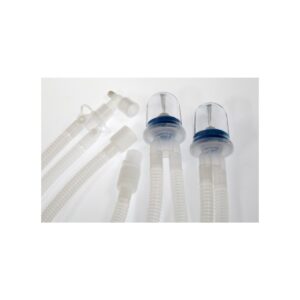
Invasive Ventilation
-
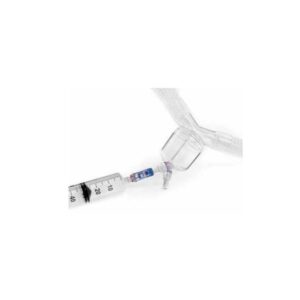
Septiflow Truely Closed Ventilation Circuit
-
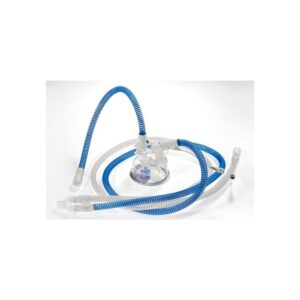
Active Humidification Embedded Heated Wire Circuits
-
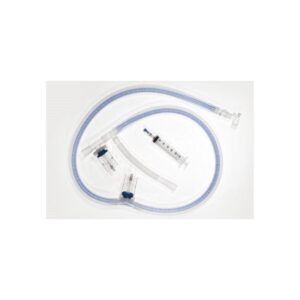
Altech Mediflow with Integrated Water Trap For Low Flow Anesthesiology
-
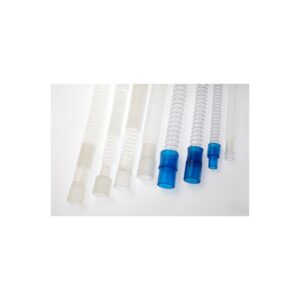
Circle Systems
-
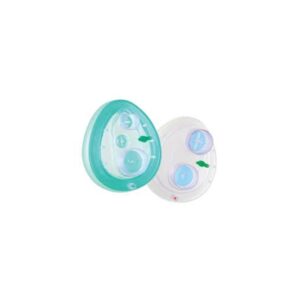
Non Invasive Ventilation
-
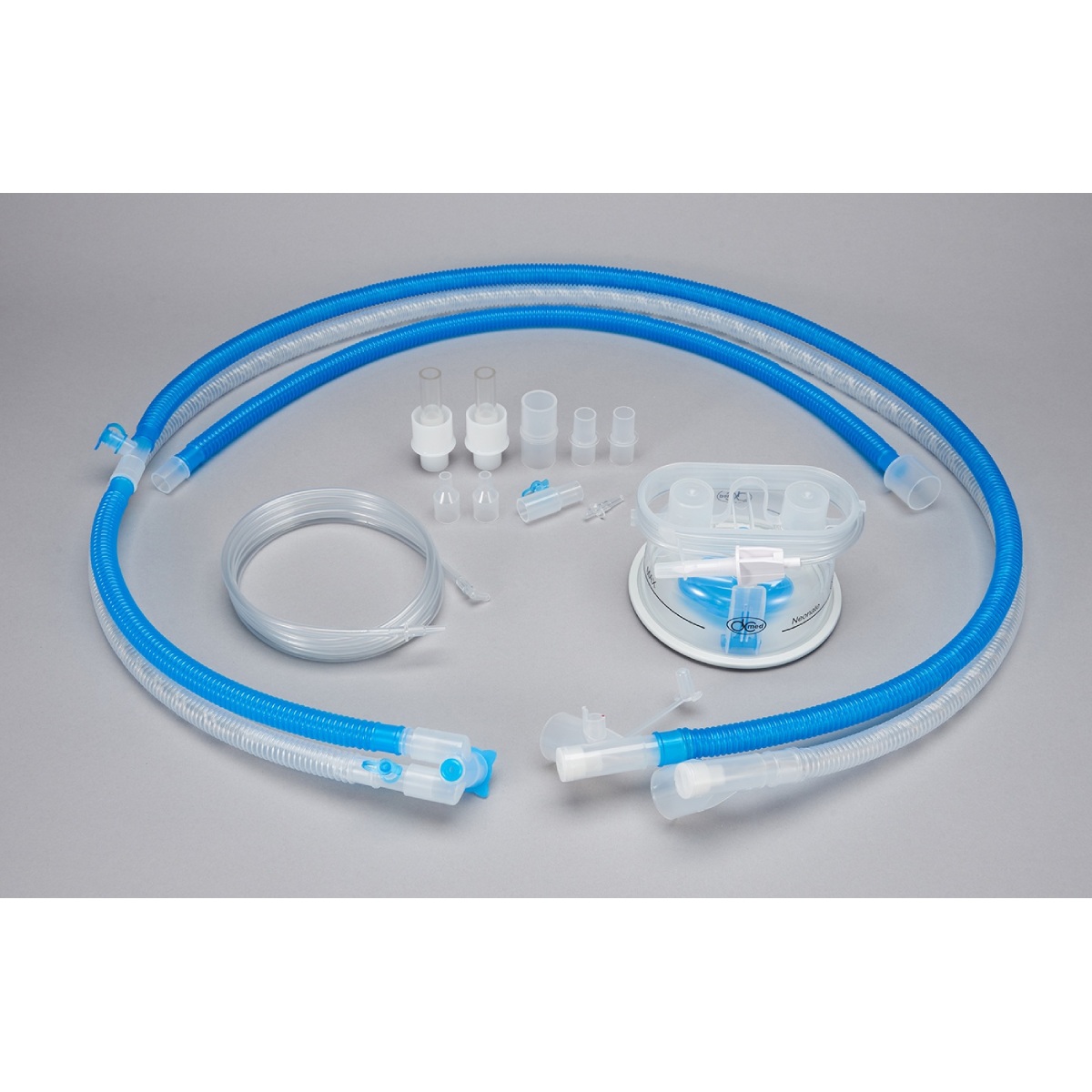
Heated Wire Circuit – Neonate
-
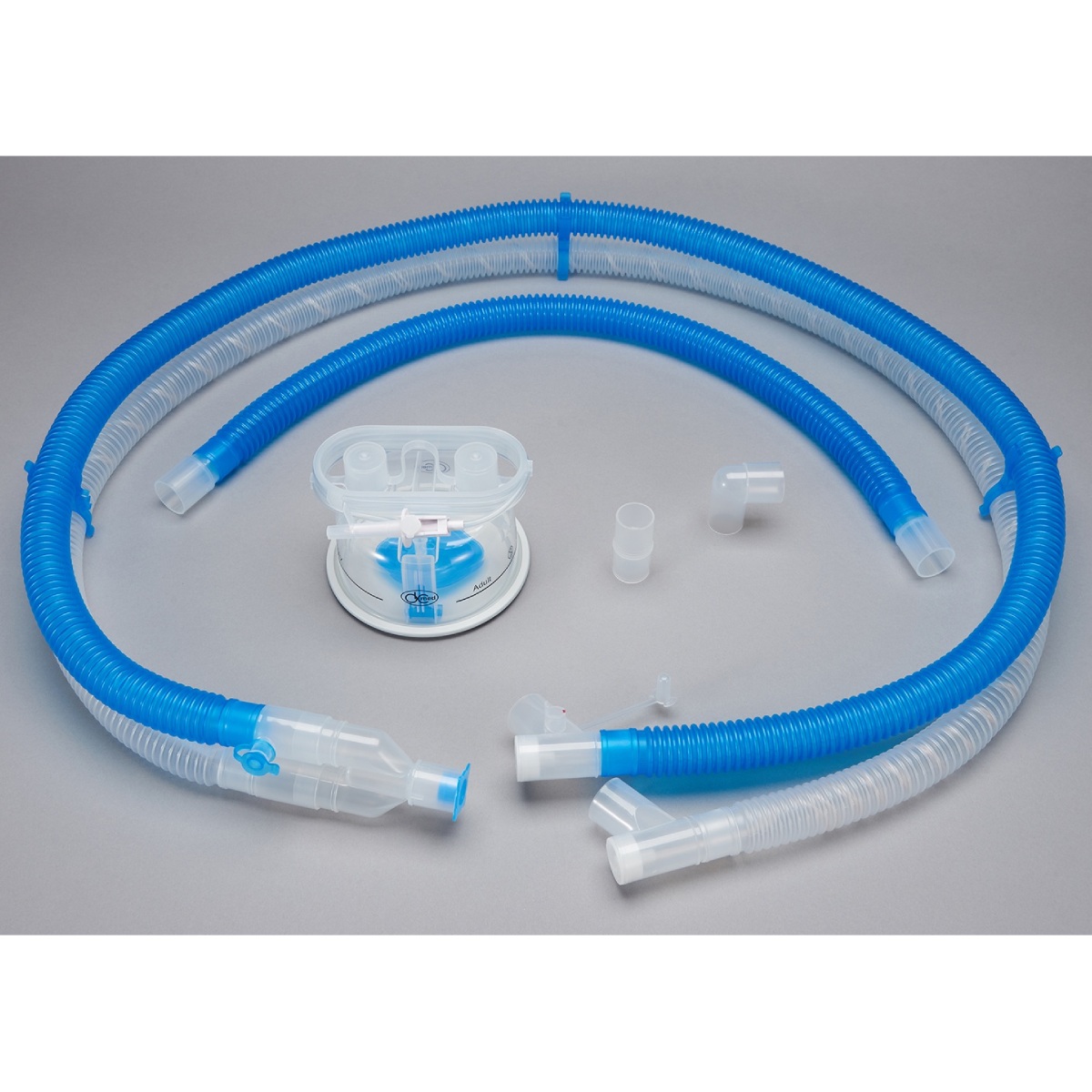
Heated Wire Circuits – Adult
-
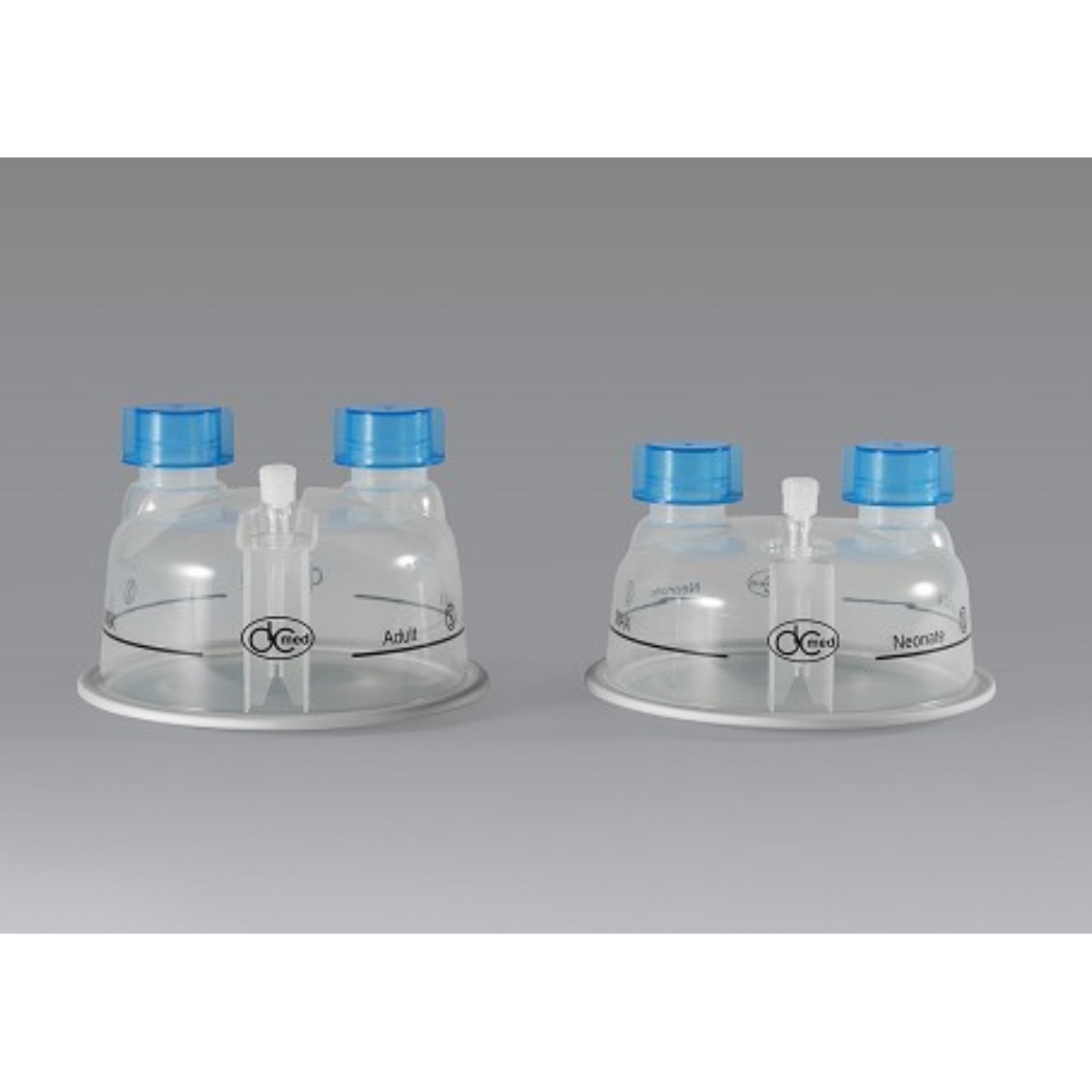
Humidification Chamber – Manual
-
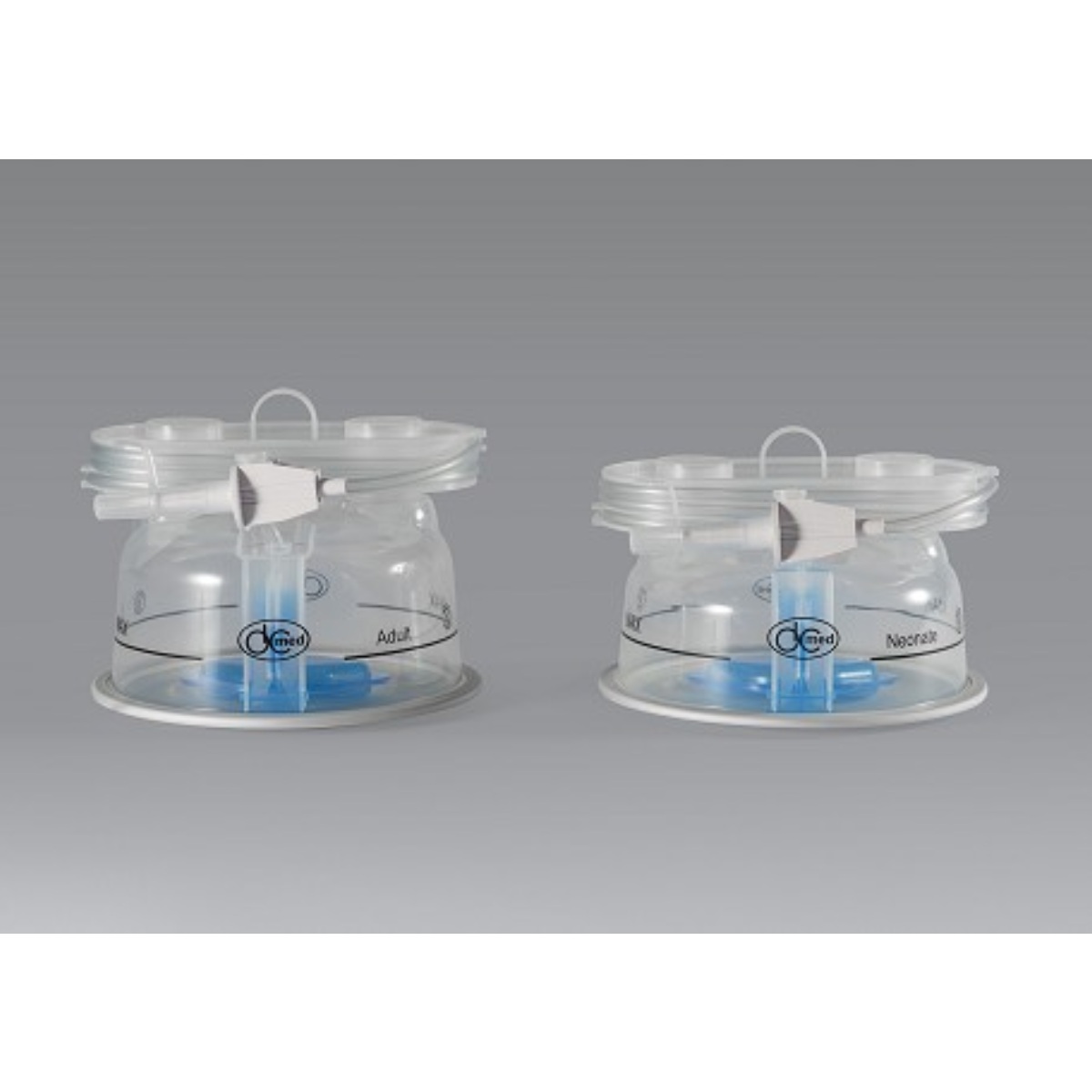
Humidification Chamber – Auto